Jyotirlinga wallpaper generator
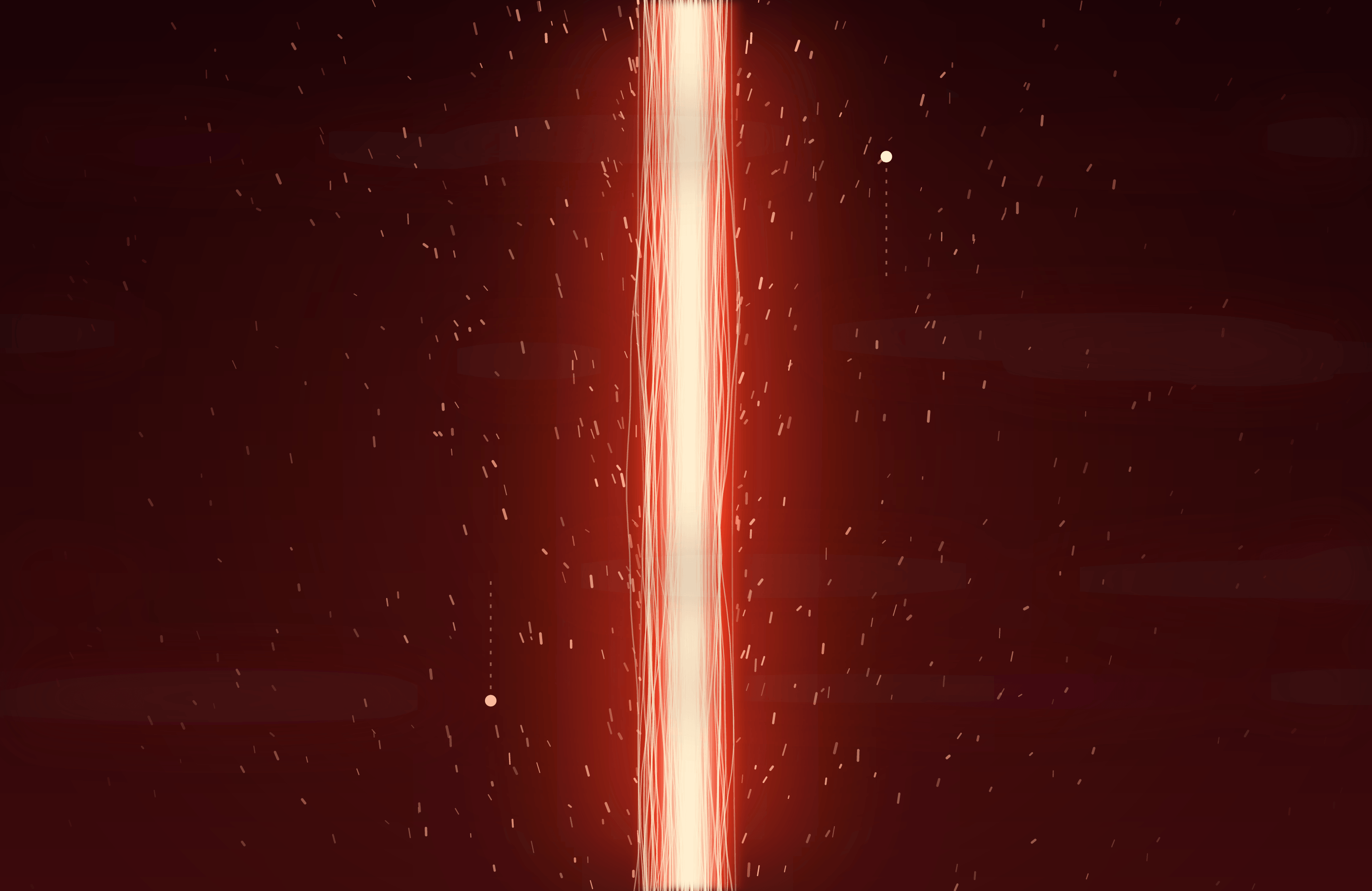
The endless pillar of light from the Lingodbhava story. Brahma flew up and Vishnu dug down to find its ends, and neither did. Here it runs off both edges of the screen.
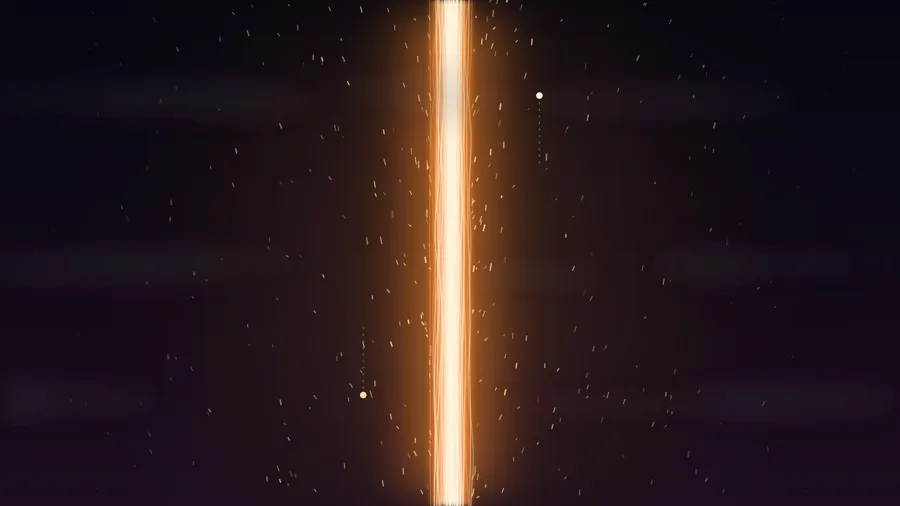
Presets
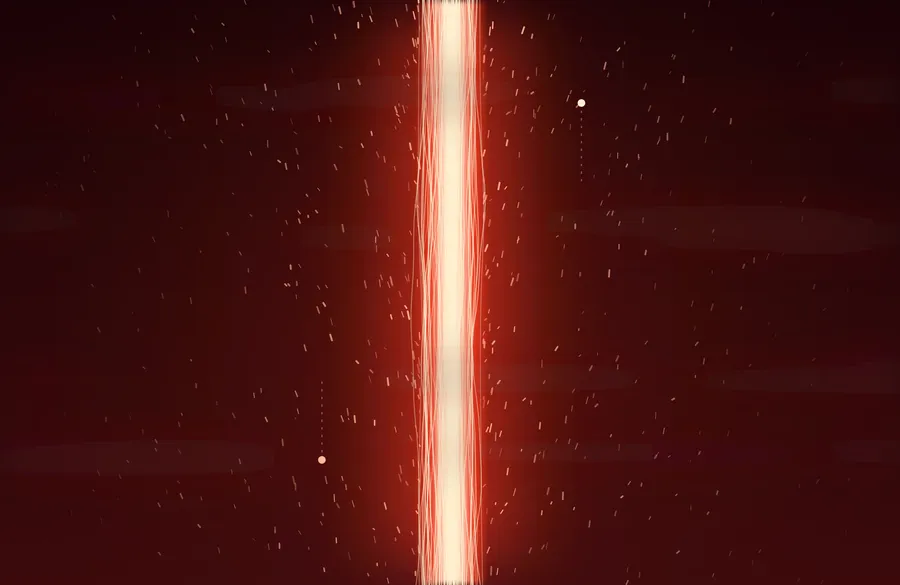
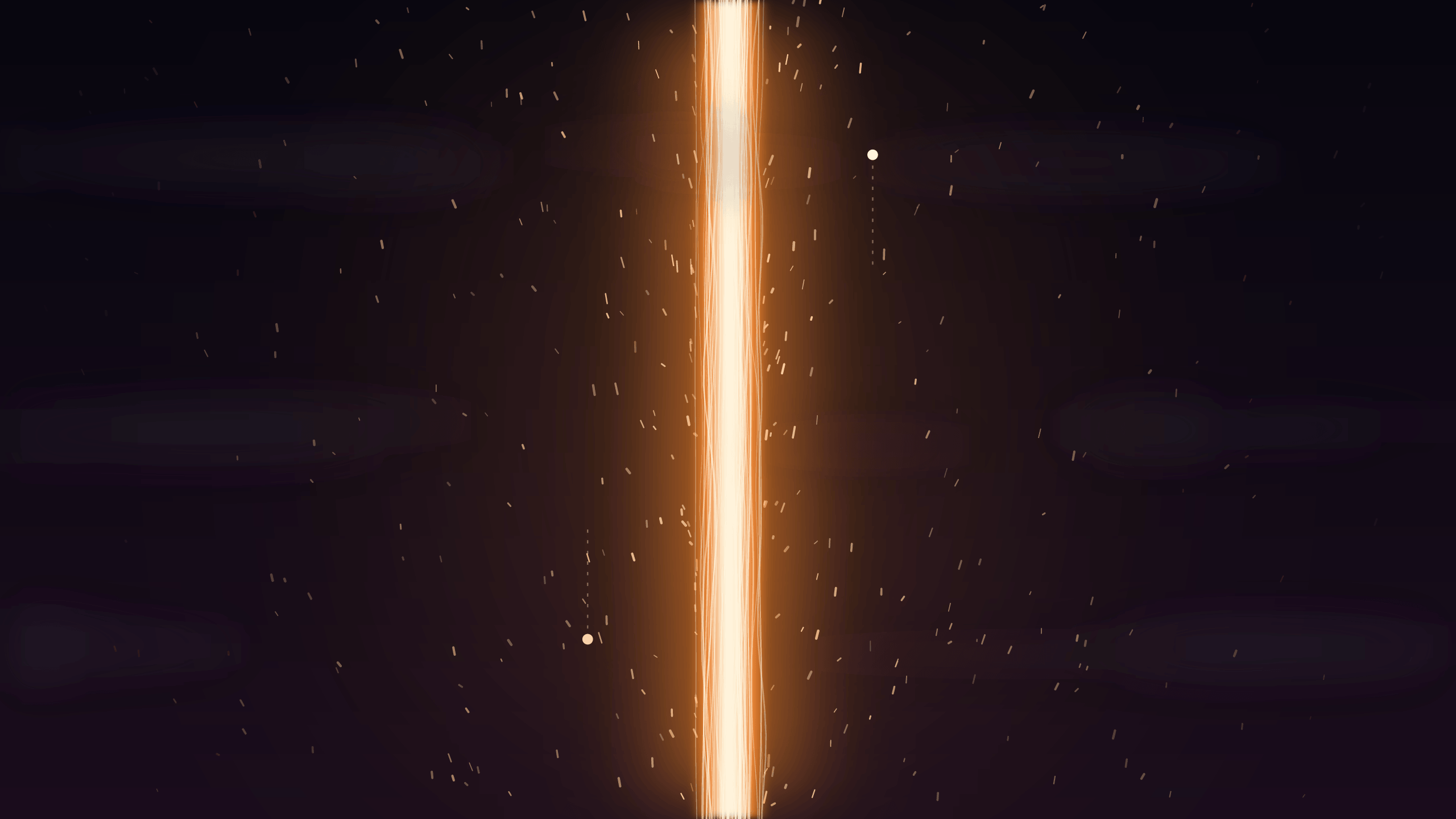
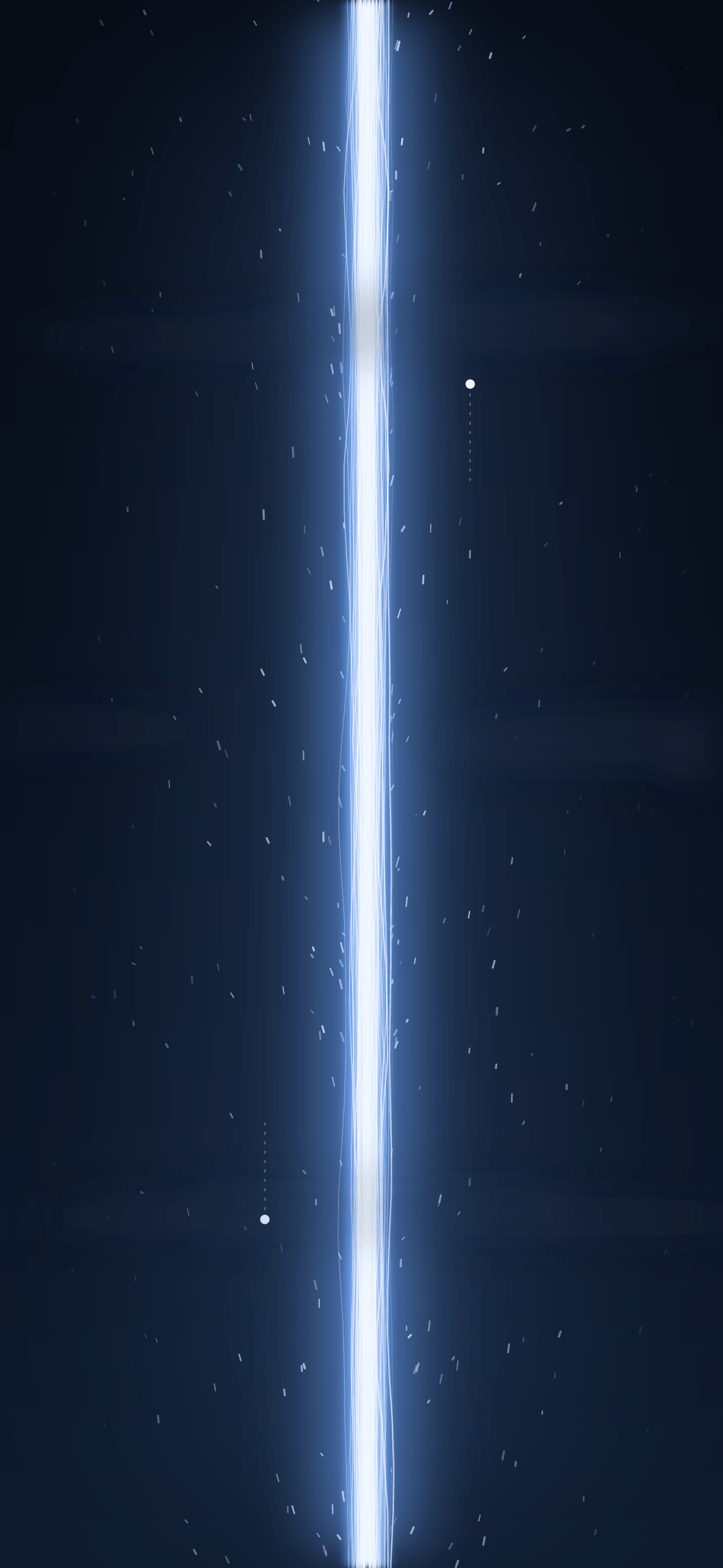
Sample wallpapers
Full-size PNGs rendered by the same code as the studio. Open one to download it.
Parameters
| Key | Label | Values | Default |
|---|---|---|---|
top | Sky above | hex colour | #07060f |
bottom | Sky below | hex colour | #1a0d1c |
hot | Light | hex colour | #fff4dc |
fire | Fire | hex colour | #ff8c2b |
mist | Clouds | hex colour | #3a2a3e |
width | Pillar width | 3 to 20 | 9 |
strands | Flame strands | 0 to 160 | 70 |
embers | Embers | 0 to 900 | 380 |
clouds | Cloud layers | 0 to 6 | 3 |
seekers | Brahma and Vishnu searching | on / off | true |
seed | Seed | integer | 5 |
background.trueBlack | True black (OLED) | on / off | false |
text.none | No text | on / off | false |
text.line1 | Quote line 1 | text | न आदि, |
text.line2 | Quote line 2 | text | न अंत। |
text.paragraph | Paragraph | multi-line text | |
text.position | Position | center · upper · lower · top-left · top-right · bottom-left · bottom-right | bottom-left |
text.font | Font | serif · display · sans · grotesk · mono · hindi | hindi |
text.size | Text size | 1.5 to 16 | 4.6 |
text.color | Text colour | hex colour | #fff4dc |
Jyotirlinga, explained
About this look
Jyotirlinga draws a single column of fire running from the top edge of the screen to the bottom, with no visible start or end. It comes from the Lingodbhava story in Shaiva tradition: Brahma and Vishnu argued over which of them was greater, and a pillar of light appeared between them. Brahma took the form of a swan and flew upward to find its top, Vishnu took the form of a boar and dug downward to find its base, and neither reached an end. The pillar is Shiva revealed as limitless, and the twelve Jyotirlinga shrines across India honour that image of light.
I wanted the wallpaper to make the endlessness literal. The pillar is never capped or framed, it simply leaves the screen at both edges, and the default Hindi quote reads "न आदि, न अंत।", which means "no beginning, no end".
How it works
The background is a vertical gradient from the Sky above colour to the Sky below colour. The pillar itself is built from three copies of the same outline at different widths: a wide, heavily blurred glow in the Fire colour, a medium blurred layer, and a sharp core whose gradient runs from transparent fire at the sides to the Light colour in the middle. The outline is not a straight rectangle. Its edges are traced at forty points down the screen, and at each point layered noise swells or narrows the width a little, so the column seems to breathe along its length.
Inside the core, a number of thin flame strands run the full height. Each has its own offset and wobble. Embers are short upward strokes scattered on either side of the pillar. Most sit close in, and the few that drift far out are fainter.
Cloud layers are rows of wide, flat, blurred ellipses drawn in front of the pillar at evenly spaced heights, standing for the worlds it passes through. When the seekers are on, two small dots with dotted trails appear beside the pillar: one in the upper part with its trail hanging below it (Brahma rising), one in the lower part with its trail above it (Vishnu descending). If your quote would sit across the pillar, the code moves the pillar sideways into the widest free column so the text stays clear.
Settings explained
- Pillar width
- Sets the width of the core, and every glow layer scales from it. Around 3 gives the thin thread used in the Thread of light preset. Push it toward 15 or more on a wide monitor, where a narrow pillar can look lost.
- Flame strands
- How many wavering lines run inside the core. Zero leaves a smooth gradient bar. Higher counts add texture and a sense of moving fire, though above about 100 the strands blend into a bright mass.
- Embers
- The number of rising sparks around the pillar, from 0 to 900. Lower it for a calmer, cleaner image; raise it when you want the column to feel hot and active.
- Cloud layers
- Zero to six horizontal bands of mist in front of the light. They break the pillar into sections and give depth. Turn them off for the starkest version.
- Brahma and Vishnu searching
- Shows or hides the two small seeker lights. They are deliberately tiny.
Best for
Because the subject is one tall vertical form, this suits phones best: the pillar uses the full height and the side space holds the embers. On a landscape monitor it still works, but the empty sides become the main feature, so widen the pillar and raise the embers. Pillar of fire is the default and the most complete. Kumkum is a deep red version with a wider pillar and more embers. Snow light shifts everything to cold blue.
For OLED phones, the True black (OLED) toggle sets both sky colours and the cloud colour to pure black, which makes the glow look brighter by contrast. Dawn (light) is the one preset meant for a light theme, with a pale sky, white clouds and brown text.
FAQ
Why does the pillar sometimes shift off centre?
If the quote box overlaps the middle of the screen, the generator moves the pillar into the widest gap the text leaves, so the two never overlap. Move the quote to a corner position and the pillar returns to near the centre.
What do the two small lights mean?
They are Brahma and Vishnu searching for the ends of the pillar. The upper one has a trail below it because it is flying up; the lower one has a trail above it because it is digging down.
Can I use it without the Hindi text?
Yes. Turn on No text, or replace the quote lines with your own words and pick another font. The Hindi (Tiro Devanagari) font is only the default.
Related looks
More generators to try, or see all 37.
Sudarshan
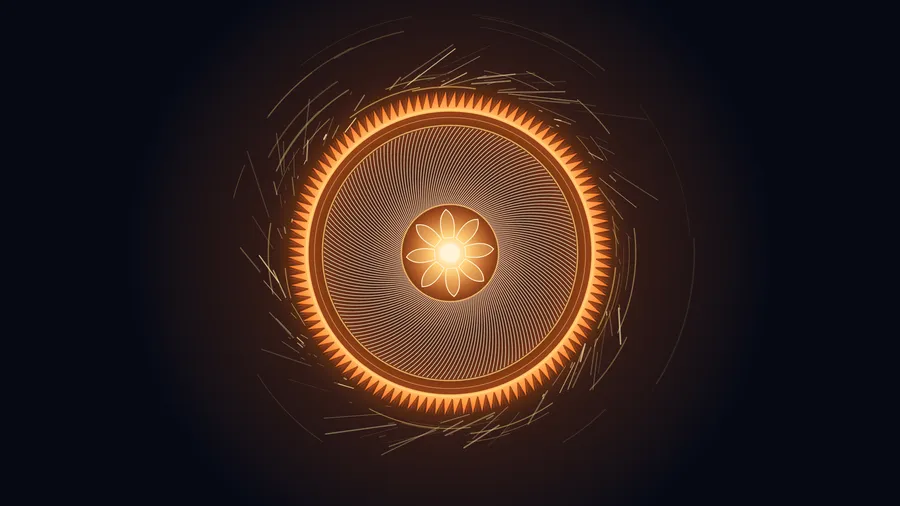
Vishnu's spinning discus: a serrated rim of fire, a wheel of fine spokes, a lotus at the hub, and sparks thrown off the edge as it turns.
Padmanabha
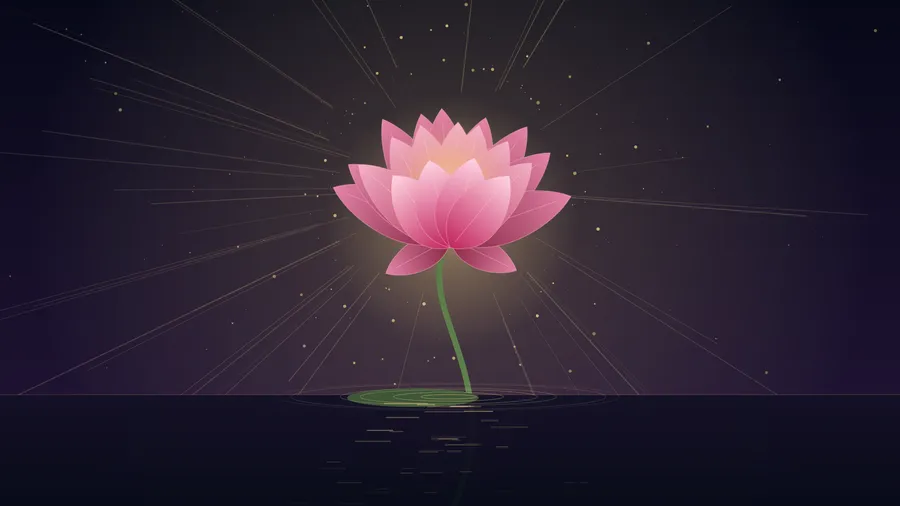
From Vishnu, asleep on the cosmic ocean, a lotus rises on a single stem. Brahma sits in it and creates the world, so the light of creation spreads out from the flower.
Dhruva
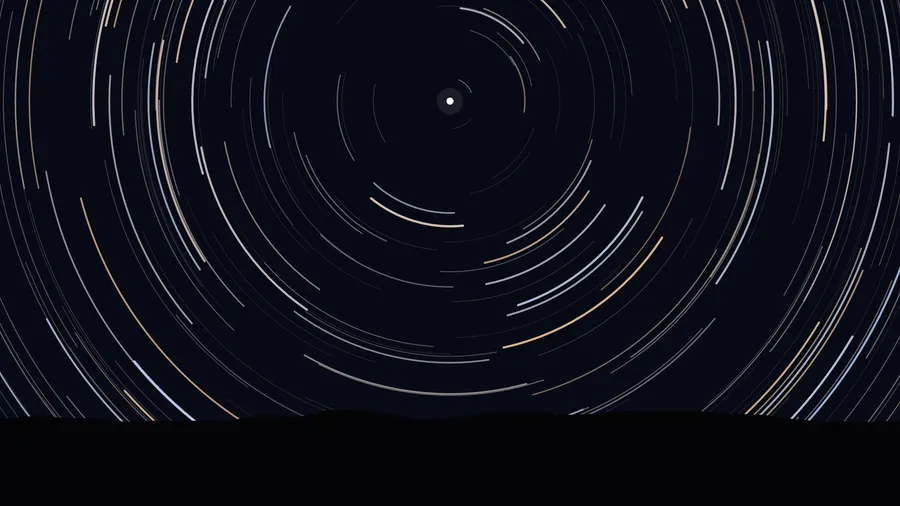
Dhruva, the child whose devotion to Vishnu made him the pole star: a long exposure where the whole sky wheels around one point that never moves.
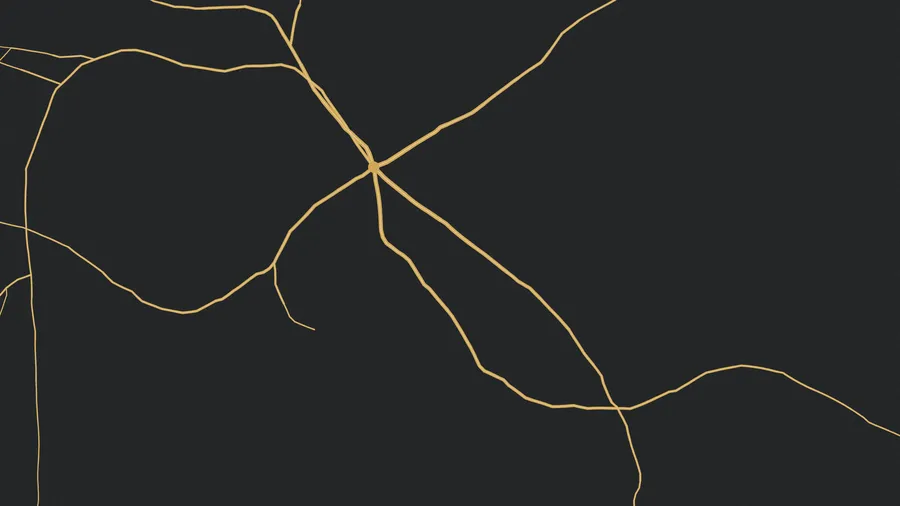
Kintsugi
A glazed surface that broke and was mended with gold, so the cracks are the most beautiful part. Every seed breaks it a different way.
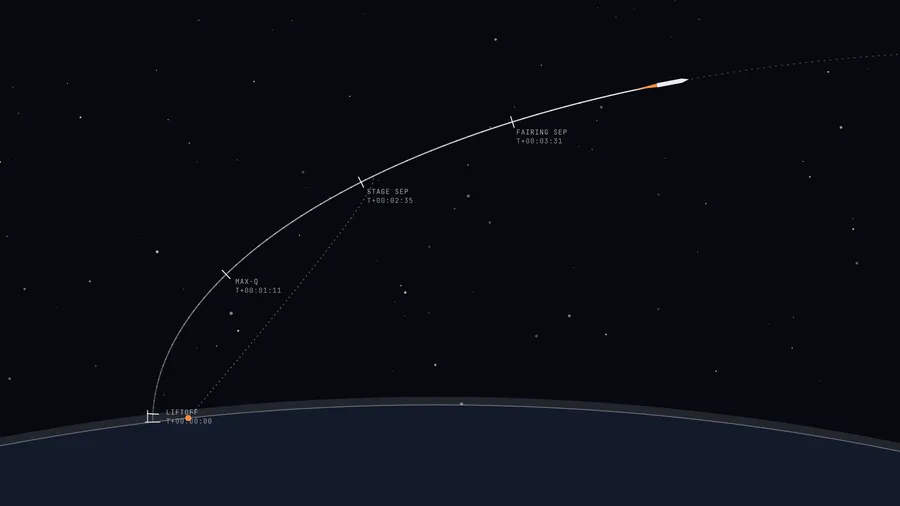
Ascent
A rocket's climb drawn as a flight plan: the gravity turn over a curved horizon, the flight events along the way, and the booster falling back to land.

Clockwork
A train of spur gears that really mesh: each one is sized in whole teeth, set at the exact distance from its neighbour, and turned so tooth meets gap.