Ascent wallpaper generator
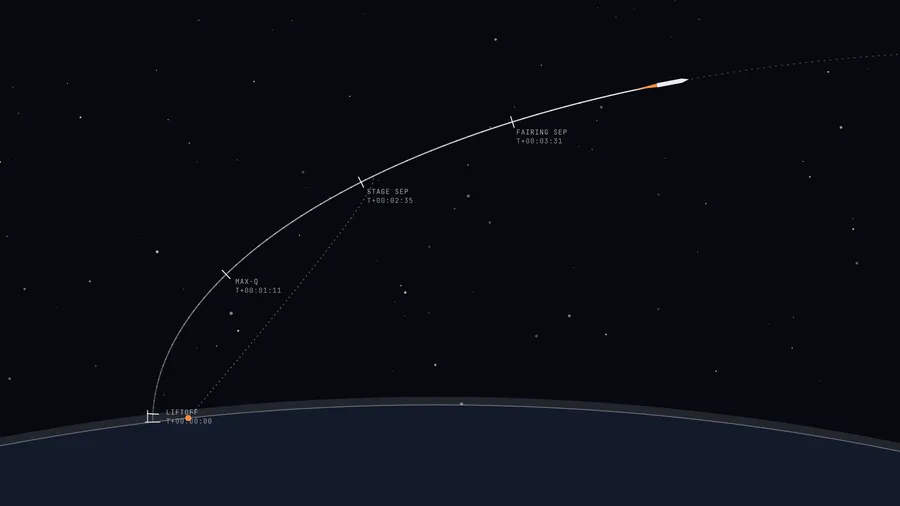
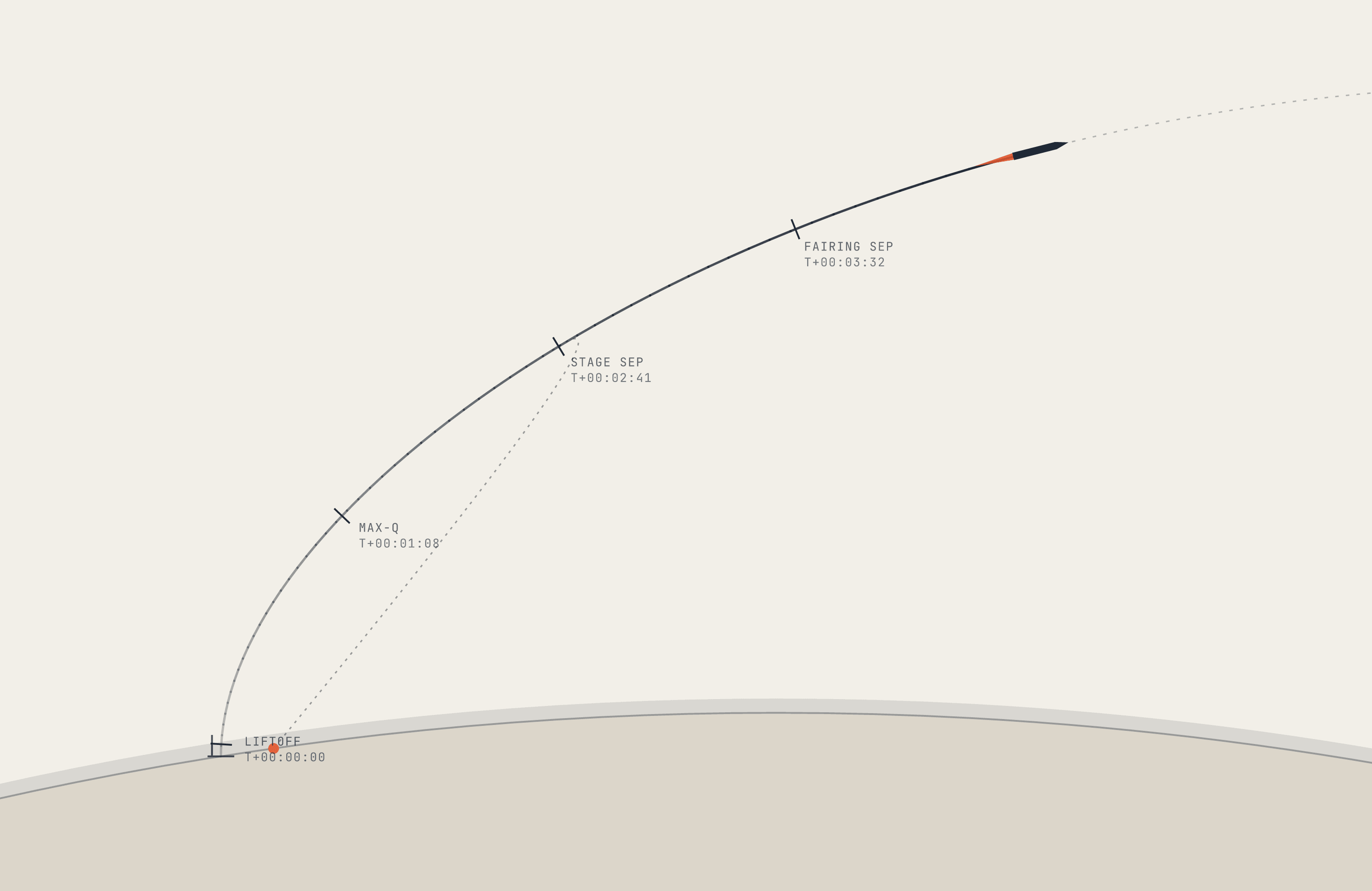
A rocket's climb drawn as a flight plan: the gravity turn over a curved horizon, the flight events along the way, and the booster falling back to land.
Presets
Sample wallpapers
Full-size PNGs rendered by the same code as the studio. Open one to download it.
Parameters
| Key | Label | Values | Default |
|---|---|---|---|
bg | Sky | hex colour | #070910 |
planet | Planet | hex colour | #141a2a |
ink | Trajectory | hex colour | #e9edf5 |
accent | Engine | hex colour | #ff8a3d |
turn | Gravity turn | 0.1 to 1 | 0.6 |
progress | Into the flight | 0.35 to 1 | 0.78 |
stars | Stars | 0 to 300 | 90 |
labels | Flight events | on / off | true |
booster | Booster coming home | on / off | true |
seed | Seed | integer | 14 |
background.trueBlack | True black (OLED) | on / off | false |
text.none | No text | on / off | true |
text.line1 | Quote line 1 | text | Leave the *ground*. |
text.line2 | Quote line 2 | text | |
text.paragraph | Paragraph | multi-line text | |
text.position | Position | center · upper · lower · top-left · top-right · bottom-left · bottom-right | top-left |
text.font | Font | serif · display · sans · grotesk · mono · hindi | grotesk |
text.size | Text size | 1.5 to 16 | 4 |
text.color | Text colour | hex colour | #e9edf5 |
Ascent, explained
About this look
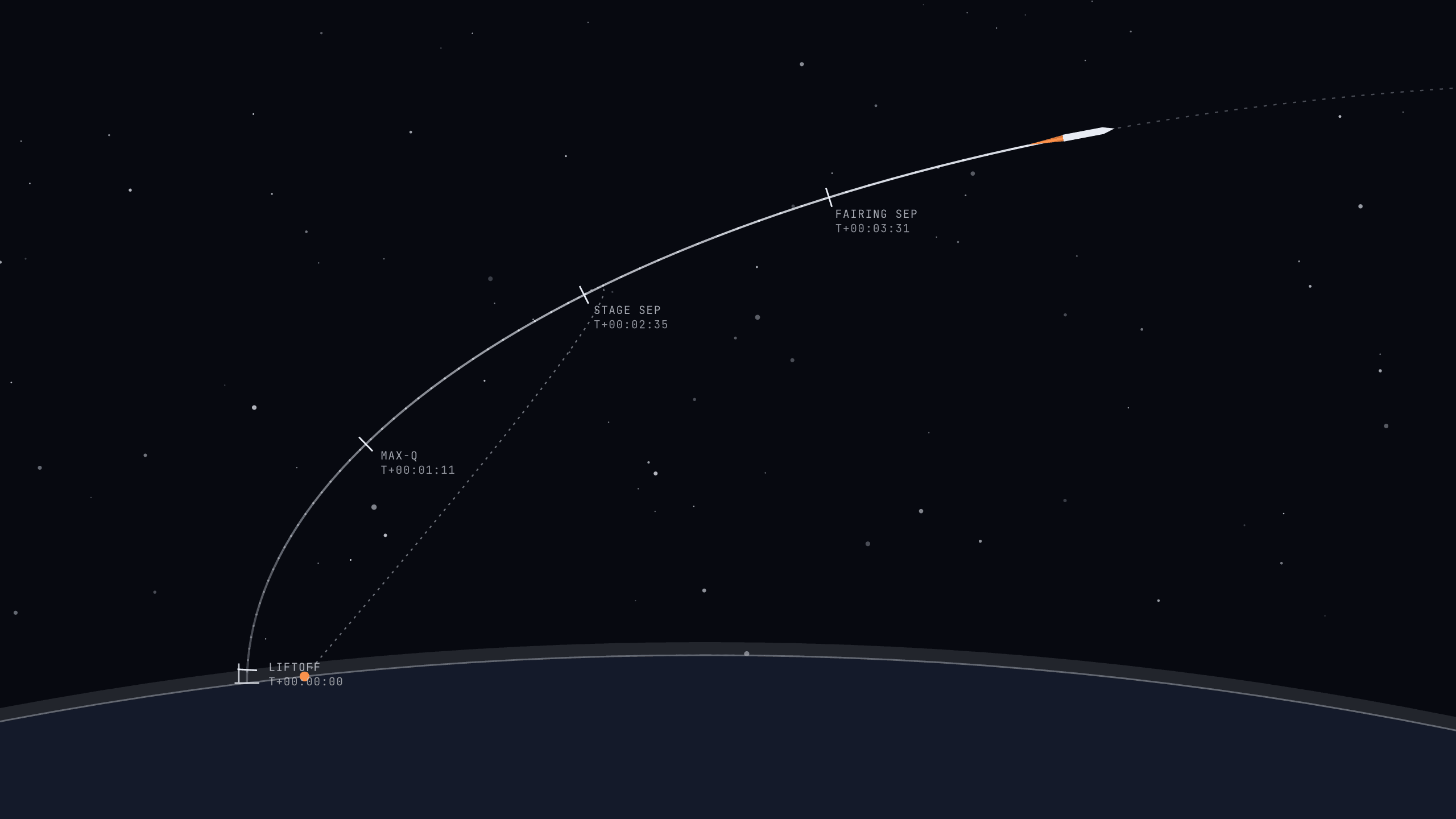
Ascent draws a rocket launch the way a flight dynamics chart would: one clean line climbing off a curved horizon, with the key moments of the flight ticked off along the way.
The shape of the climb comes from the gravity turn, the manoeuvre real launch vehicles fly. A rocket rises nearly straight up to get out of the thickest air, then tips over a little at a time and lets gravity bend its path toward the horizontal speed it needs for orbit. The dashed line falling back to the ground near the pad is a nod to reusable first stages that turn around after separation and land.
How it works
The planet is a circle whose radius is 2.6 times the long side of your screen, so only a gentle sliver of its curve shows near the bottom, with a faint rim of atmosphere around it. The pad sits on that surface toward the left. The trajectory is a single cubic curve from the pad to a point just past the right edge near the top. The first control point lifts straight above the pad, and the second reaches across toward orbit; the Gravity turn setting decides how long the vertical climb lasts and how early the path leans over.
The part already flown is drawn as 60 short segments that get brighter with altitude, from a quarter opacity at the pad to full strength at the rocket. The rest of the planned path continues ahead as a faint dashed line. The rocket itself is a slim body turned to match the direction of travel, with a short plume in the Engine colour behind it.
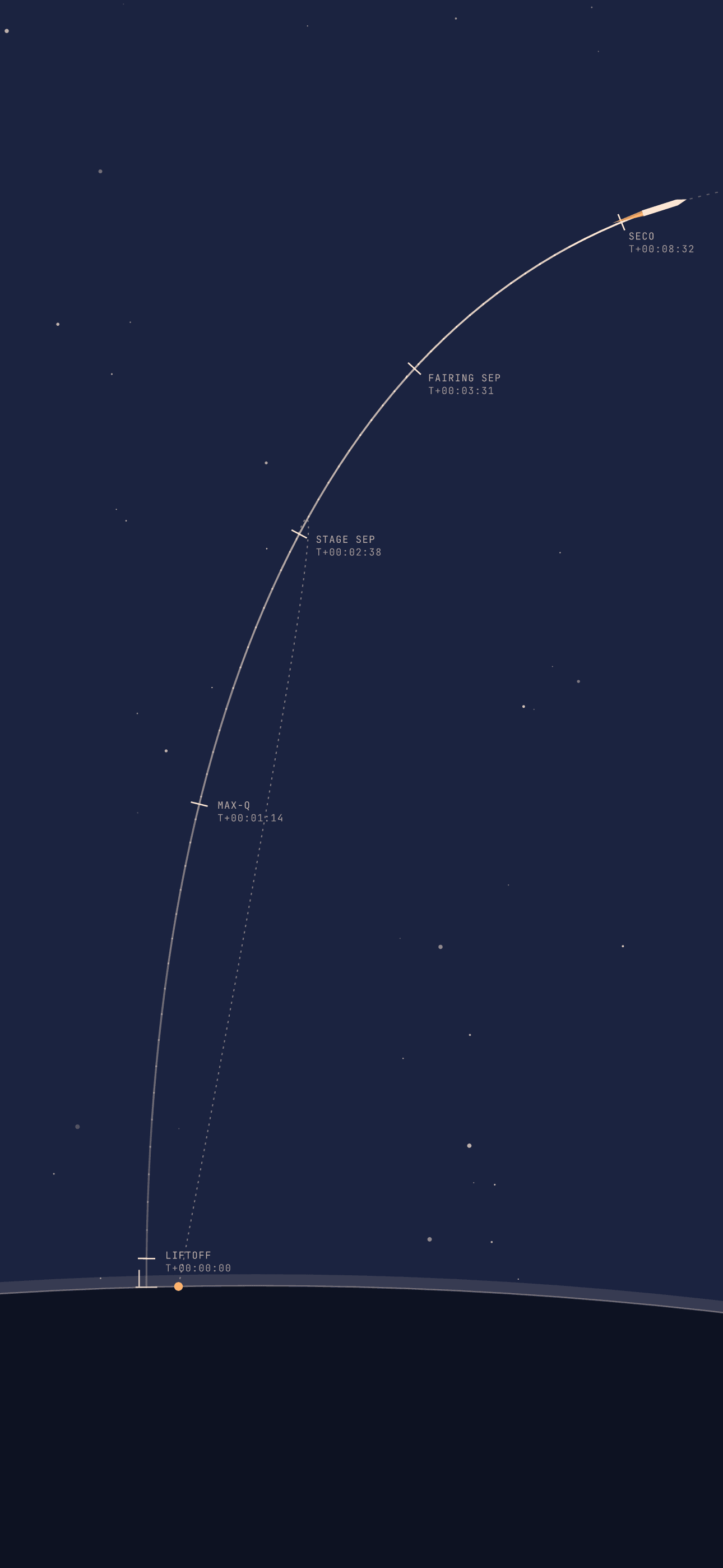
Five flight events sit at fixed points along the curve: LIFTOFF, MAX-Q, STAGE SEP, FAIRING SEP and SECO. Only the ones the rocket has already passed are drawn, each as a tick across the path with a T+ mission clock underneath.
Settings explained
- Gravity turn
- Low values give a long, nearly vertical climb that bends late. High values pitch over early and flatten into a wide arc.
- Into the flight
- Where the rocket is along its path. Lower values leave most of the route as dashed plan; higher values show more events. At the very top of the range the rocket reaches the end point just past the right edge, so it leaves the frame.
- Flight events
- Turns the ticks and labels on or off.
- Booster coming home
- Draws the first stage's return arc and landing dot. It only appears once Into the flight is past the halfway point, since staging has not happened before that.
Best for
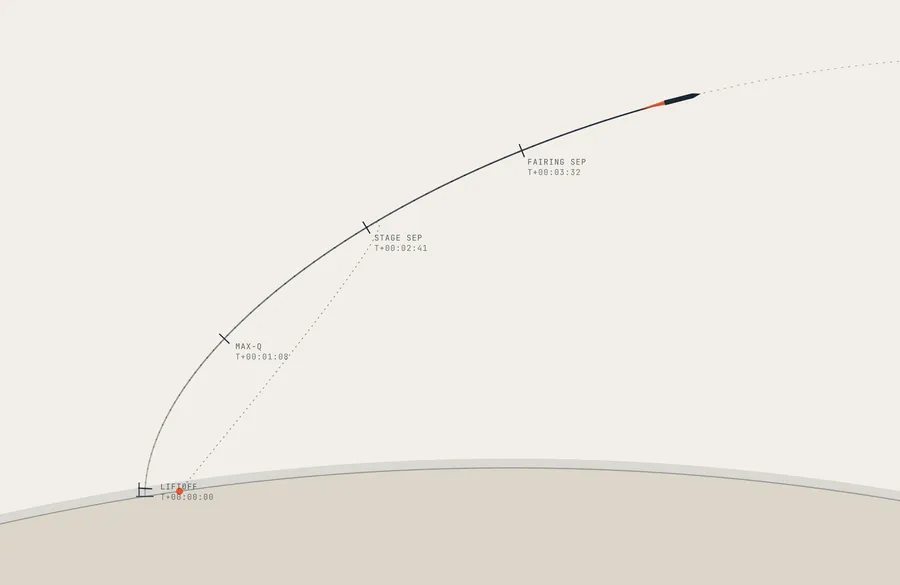
The layout adapts to the screen: on a portrait phone the ground line sits a little higher and the pad moves slightly inward, so the climb still crosses the whole display. Start from Night launch for the default dark look, Dawn window for a warmer sky with a later, flatter flight, Flight plan (light) for a cream paper chart, or Mission blue for a blueprint feel.
For OLED phones, Silent is the cleanest start: a pure black sky, a near-black planet, no labels or booster, and more stars. The True black (OLED) toggle sets both the Sky and Planet colours to black, after which the planet shows only as its thin outline and glow.
FAQ
Are the flight event times from a real launch?
No. They are rounded values of the right order for a two-stage launch to orbit, with a few seconds of variation from the seed so they do not look copied. Treat them as decoration, not data.
Why did the event labels disappear on my small preview?
Labels are only drawn when their font would be at least 5 pixels tall. On a tiny thumbnail they are dropped so they do not turn into smudges. They come back at normal wallpaper sizes.
Why does the rocket vanish when I push Into the flight to the maximum?
The path ends just beyond the right edge of the screen, so at the end of the slider the rocket has flown out of frame. Pull it back a little to keep it visible.
Related looks
More generators to try, or see all 37.
Clockwork
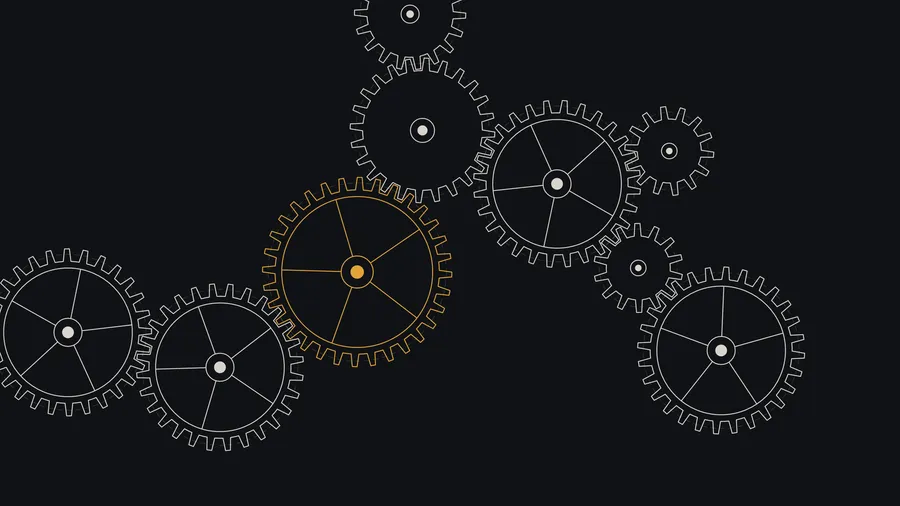
A train of spur gears that really mesh: each one is sized in whole teeth, set at the exact distance from its neighbour, and turned so tooth meets gap.
Impasto
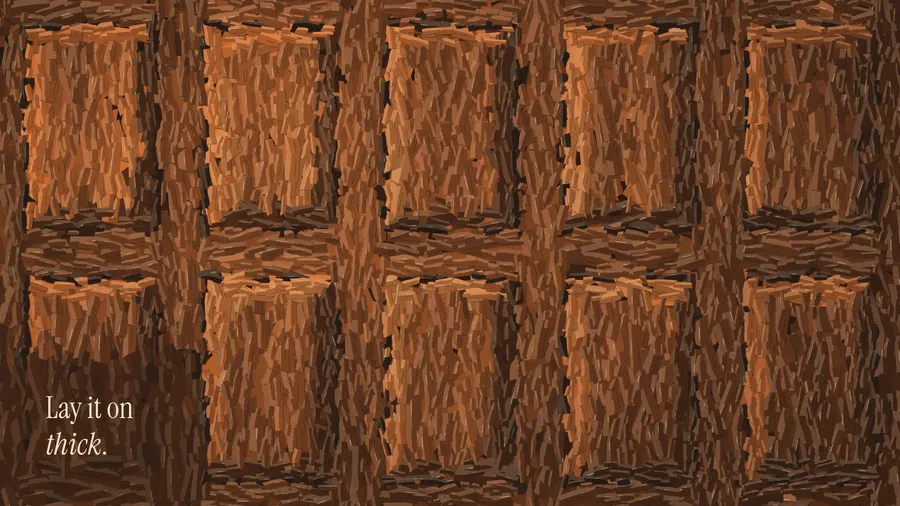
A palette-knife oil painting: thick, angular strokes that follow the form, with lit ridges and cast shadows.
Nebula
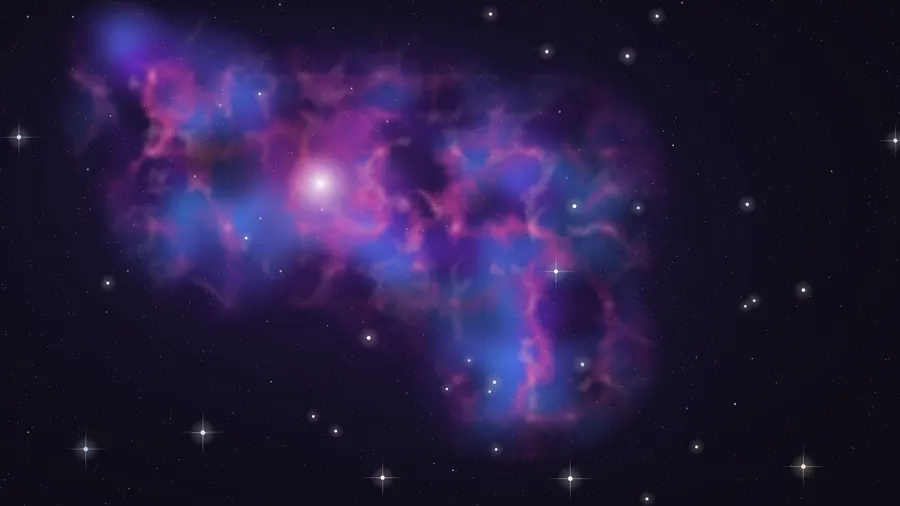
Glowing clouds of gas in deep space, with a starfield of small and bright stars and an optional bright core. Works on tall phones and wide monitors alike.

Frutiger Aero
The glossy look of mid-2000s screens: a bright sky gradient, shiny see-through bubbles, soft light rays and a curve of water or grass.
Cutting Mat
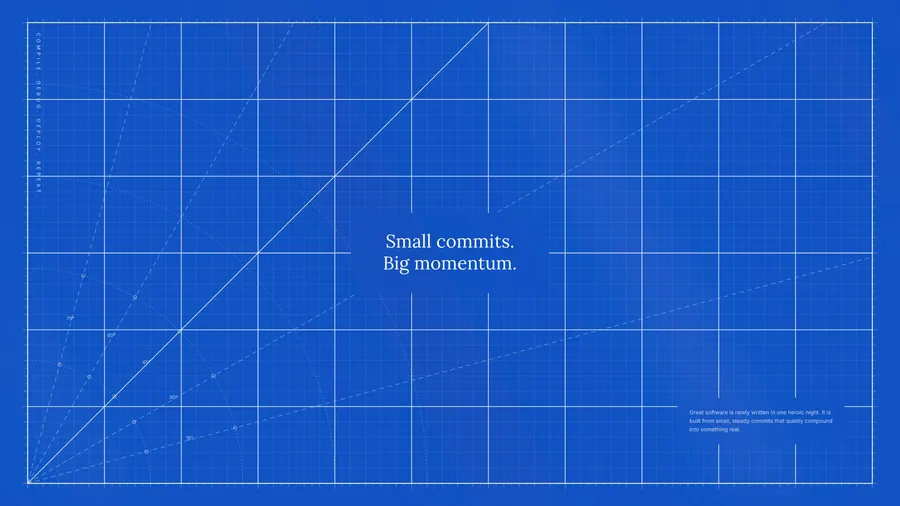
A drafting cutting mat: bold or fine grid, + marks or dots, angled guides and arcs, edge ticks and numbers, with clear zones kept around your quote.
Mesh Gradient
Soft multi-colour mesh gradient made of blurred colour fields, finished with film grain.