How generative wallpapers work: seeds, noise and determinism
What a seed really is, how a few lines of seeded noise turn into contour maps and flow fields, and why the same number always draws the same wallpaper on every device.

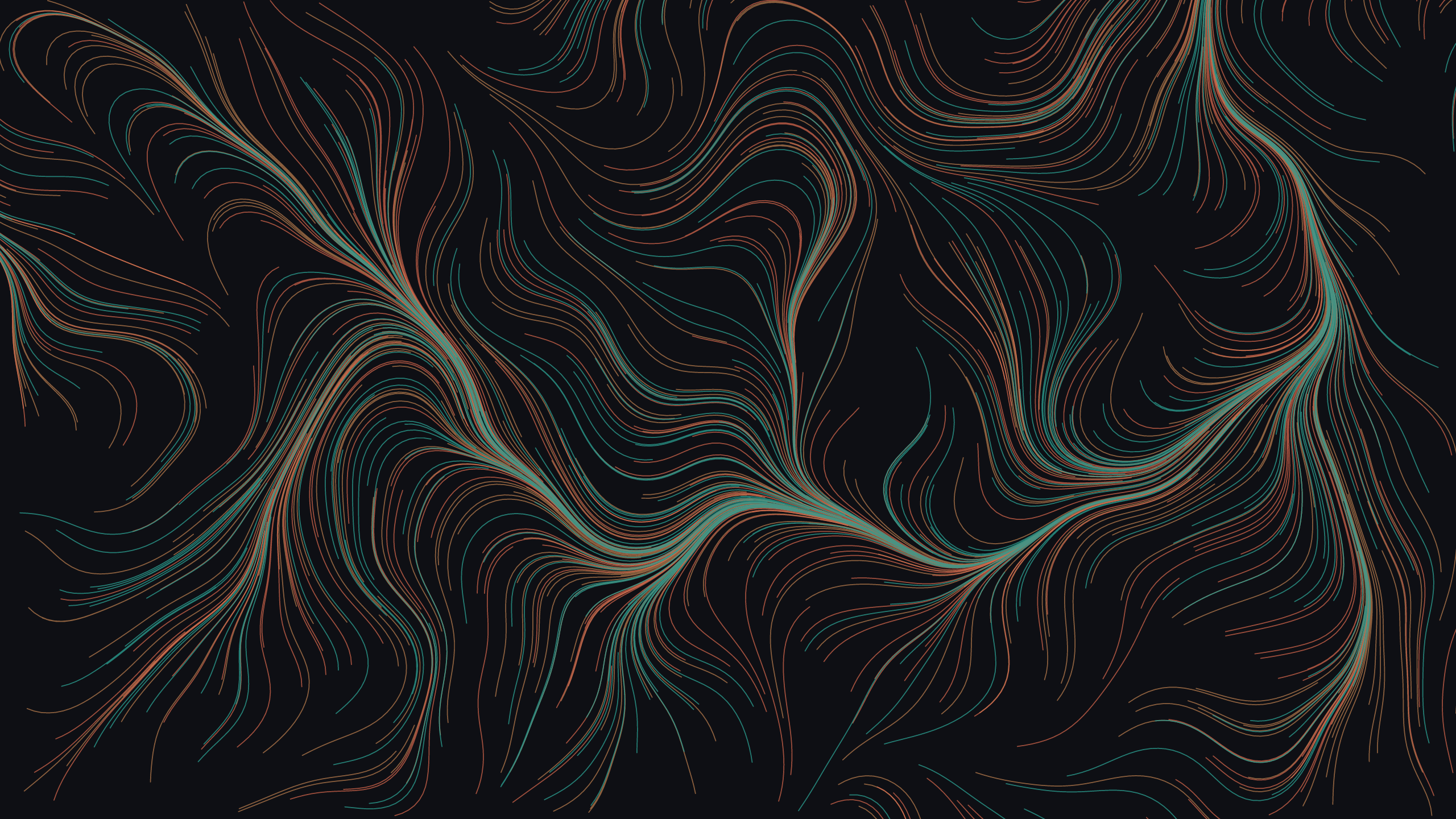
Every wallpaper on Seedwall is the output of a function. It takes four inputs: the generator, its parameters, the screen size and a seed. It returns a string of SVG. There is no folder of finished pictures behind the generator pages. When you open the studio, your browser runs the same TypeScript that the server runs, and draws the picture from scratch. This guide walks through how that works, using the real code from the Seedwall repository.
A seed is just a starting number
Generative art needs randomness: where the next line starts, how far it bends, which colour it gets. But true randomness is useless for a wallpaper you want to keep or share, because you could never get the same picture twice. So every generator gets a pseudo-random number generator instead, built from the seed.
Seedwall uses a tiny algorithm called mulberry32, in src/generators/shared/rng.ts. It keeps one 32-bit number as its state. Each time a generator asks for a random value, it adds a fixed constant to that state, scrambles the bits with a few multiplications and shifts, and returns a fraction between 0 and 1. The output looks random, but it is completely determined by where it started. Seed 7 always produces the same long list of numbers, in the same order, on any computer.
That only holds if nothing else sneaks in. The contributor rules ban Math.random(), the clock, the network and the file system inside a generator. A generator may use its parameters, the size and the random function it is handed, and nothing else. The test suite renders every generator on every device size and checks that two renders with the same inputs are byte for byte identical.
From random numbers to smooth noise
Raw random numbers look like television static. Each value has nothing to do with its neighbour, so if you colour a grid with them you get grit, not landscape. Most natural-looking generative art uses noise instead: a function that gives a random-looking value at any point, but changes smoothly as you move.
Seedwall's noise lives in src/generators/shared/noise.ts and is a gradient noise in the style of Ken Perlin's. It works in three steps:
- It builds a table of the numbers 0 to 255 and shuffles it with the seeded random function. This shuffle is the only place the seed enters. A different seed gives a different table, and so a different landscape.
- At every whole-number grid corner, the table picks one of eight directions, called a gradient. For a point between corners, the code measures how far it is from each of the four surrounding corners and compares that with each corner's direction.
- It blends the four results with a smoothing curve, 6t5 minus 15t4 plus 10t3. That curve is flat at both ends, so the surface has no visible creases along the grid lines.
The result is a gently rolling surface of values between roughly minus one and one. On its own it looks like soft, even hills, all about the same size.
Layers of detail
Real terrain has big hills with smaller bumps on them, and bumps on the bumps. The same file has a function called fbm, short for fractional Brownian motion, that fakes this by adding several copies of the noise together. Each copy, or octave, is sampled at twice the frequency of the last and counts for half as much. The first octave sets the big shapes; the later ones add detail without taking over. The topographic generator uses four octaves. The flow field uses three, because its lines already add plenty of fine texture.
One field, two very different pictures
What makes generative work interesting is that the same field can be drawn in completely different ways. Two Seedwall looks show this well.
Topographic samples the noise on a grid, one sample every 1.8% of the screen's short side. It then runs marching squares (in shared/contours.ts) once per contour level. For each grid cell, it checks which corners are above the level and which are below, looks the pattern up in a table of sixteen cases, and draws a short segment where the surface crosses. It places the segment's ends by linear interpolation along the cell edges, so the lines run smoothly instead of stepping. Every fifth level is drawn twice as thick, like the index contours on a survey map.
Flow Field reads the same kind of noise as a direction instead of a height. It drops hundreds of starting points at random (900 by default), and from each one it takes small steps. At every step it turns the noise value into an angle, moves a little in that direction, and repeats. Neighbouring lines read nearly the same angles, so they travel together like grain in wood or currents in water. The Curl setting multiplies the angle, so higher values make the lines wind more tightly.
Why the same seed works on any screen
A seed would not be much use if it only worked at one size. Two rules keep a look consistent from a phone to a 4K monitor. First, generators measure everything in a unit u, one hundredth of the screen's shorter side, rather than in pixels. A line weight of 0.12 means the same thing on an iPhone as on an ultrawide. Second, the noise is sampled in coordinates divided by that short side. Hills and currents come out the same size relative to the screen, and a wide monitor simply shows more of the field to the left and right.
So the same seed and settings at the same size always give an identical file. At a different size you get the same character, the same colours and the same kind of shapes, laid out for that screen. That is what lets the studio export a matching set for desktop, iPhone, Android and iPad in one go.
Seeds you can share
Seedwall also has a second, larger kind of seed. Every number from 1 to 999,999 has its own page at /s/<number>. Those numbers pick a whole wallpaper, not just a random sequence. The code in src/lib/seed.ts hashes the number into a starting state and uses it to pick a generator, a preset, possibly an editor theme, and whether there is text. Then it hands the number to that generator as its seed.
The lists it picks from are frozen. When I add a new generator, it does not join the old pool, because that would quietly change what every existing link shows. A snapshot test fails if any seed's result moves. The daily seed works the same way: it hashes the date, so everyone gets the same number on the same day without any server keeping track.
Why SVG
The output is SVG, a text description of shapes, rather than pixels. That keeps the whole pipeline in one language and one code path. The browser shows the SVG directly for the live preview. A PNG download draws that same SVG onto a canvas at full size. On the server, the image API rasterises it with resvg, using the same font files, so text lands in the same place everywhere.
Try it yourself
The quickest way to see all of this is to open Topographic in the studio and change only the seed. The colours and settings stay the same, but the hills move somewhere new. Then change the size: the same seed keeps its character on a phone. If you want to read the code, every look is one file under src/generators/, and the contributing guide shows how to write your own. You can also browse every generator to see how many different pictures a few rules and one number can make.